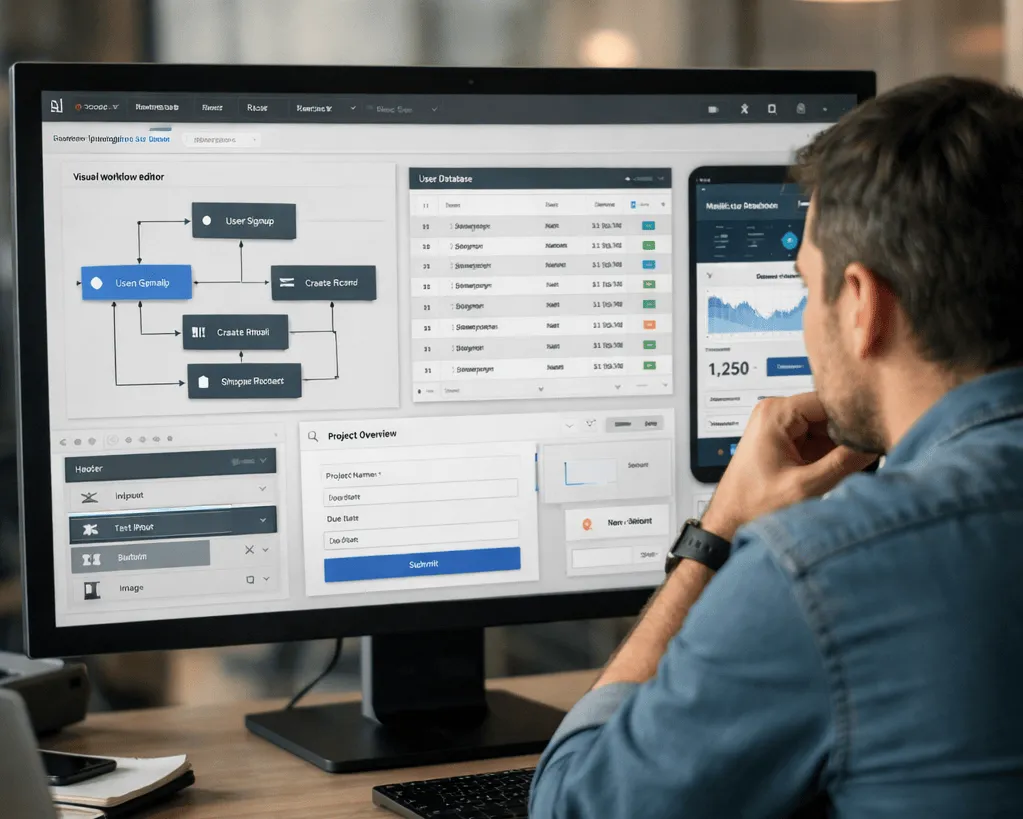
The barrier to building AI applications has dropped dramatically. Just five years ago, creating an intelligent chatbot or predictive analytics tool meant hiring a team of data scientists and investing months in development. Today, anyone with a basic understanding of their business problem can build production-ready AI solutions in hours, sometimes minutes. This shift comes courtesy of no-code AI platforms, tools that transform complex machine learning and artificial intelligence into visual, accessible interfaces.
If you’ve ever dragged and dropped elements to design a website or built a spreadsheet formula, you already have the foundational skills needed to create your first AI application.
How No-Code AI Works?
No-code AI platforms remove the traditional barriers of programming languages, algorithm optimization, and infrastructure management. Instead of writing Python scripts or configuring neural networks, users work with visual builders that handle the technical complexity behind the scenes.
These platforms typically work through one of two approaches. Visual drag-and-drop editors let you connect pre-built components like building blocks, linking data sources to AI models and outputs through intuitive flowcharts. Conversational builders take a different route, allowing you to describe what you want in plain English while the platform generates the necessary structure and logic automatically.
The technology behind these tools has matured significantly. Modern no-code AI platforms integrate with leading language models like GPT-5, Claude, and Gemini, giving users access to cutting-edge capabilities without needing to understand the underlying architecture.
Real Applications You Can Build with No-Code AI
The practical applications of no-code AI span virtually every industry and business function. Customer service teams use platforms like Zapier to build intelligent chatbots that understand context, maintain conversation history, and escalate complex issues to human agents when necessary. These aren’t simple FAQ bots anymore. They can pull information from knowledge bases, access customer data, and provide personalized responses.
Small business owners leverage tools like Nanonets to create document processing workflows that extract key information from invoices, receipts, and contracts automatically. A restaurant manager might build an app that scans delivery invoices and updates inventory databases without manual data entry.
Marketing teams turn to platforms like Make.com to build content generation workflows. Their LLM modules can analyze competitor websites, generate SEO-optimized blog outlines, and create personalized email sequences based on customer behavior patterns.
Internal operations get streamlined through platforms like Glide, which transforms Google Sheets into polished mobile apps. HR departments build applicant screening systems that analyze resumes and schedule interviews automatically. Operations teams create supply chain monitoring dashboards that predict inventory needs based on historical patterns.
Bubble’s BubbleAI lets product managers prototype new features with working AI before writing product requirements. Airtable’s Omni conversational app builder generates entire applications from simple text prompts, making it possible to build custom CRM systems or project trackers in minutes rather than weeks.
What makes these applications impressive isn’t just their capability but their accessibility. A marketing manager with no technical background can build a lead qualification system using Lindy’s AI agent builder. An independent consultant can create a client onboarding chatbot with CustomGPT that works around the clock.
The Building Process Demystified
Creating an AI application through no-code platforms follows a straightforward workflow. You start by defining what you want to accomplish, whether that’s categorizing customer support emails or predicting lead conversion likelihood.
Data preparation comes next, though modern platforms simplify this significantly. You might connect to Google Sheets, upload CSV files, or link directly to your CRM database. Platforms like Airtable excel at handling structured data with their familiar spreadsheet interface, while tools like Bubble provide built-in database functionality.
The actual model building happens through visual configuration. You select your data source, choose what you want to predict or generate, and the platform handles training automatically. For workflow automation, tools like Zapier and Make.com let you chain together AI actions with thousands of app integrations, creating sophisticated automation without touching code.
Interface creation varies by platform. Glide specializes in turning data into beautiful mobile apps with minimal design work. Bubble offers more flexibility with its visual editor for building custom interfaces. Base44 takes a conversational approach, where you simply describe your app idea and it generates the complete structure.
Deployment happens seamlessly. Most platforms include hosting and handle scaling automatically. Your application goes live when you’re ready, whether it’s a Lindy AI agent answering support tickets or a custom app built with Softr.
Best No-Code AI Platforms Worth Exploring
The no-code AI landscape offers diverse options, each serving different needs and skill levels.
Bubble: AI App Development Meets Visual, No-code Editing

Bubble stands out for full-stack application development. Its BubbleAI feature generates complete app foundations from prompts, including database structure and workflows. Best for building complex, custom applications with complete control over design and functionality.
Zapier: Automate AI Workflows, Agents, and Apps
Zapier dominates workflow automation with connections to over 8,000 apps. Its AI modules let you add intelligent processing to automation workflows, from email classification to content generation. Ideal for connecting existing tools and automating repetitive tasks.
Glide: No-code App Developer
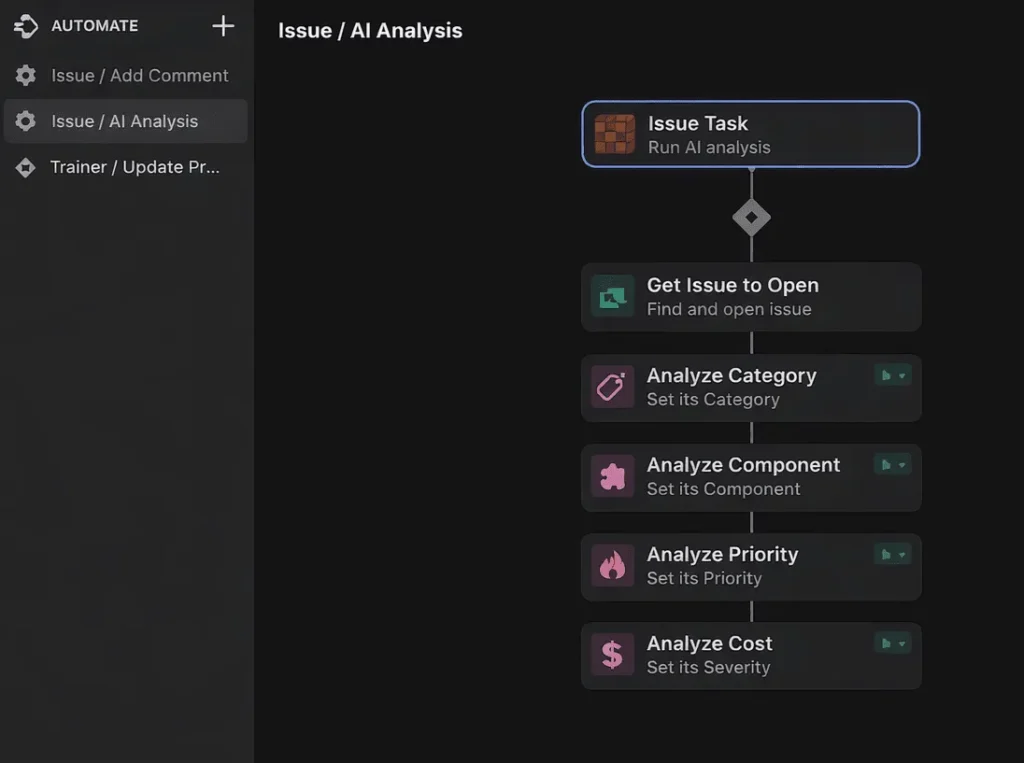
Glide transforms spreadsheets into polished mobile and web apps within minutes. Its AI agents can handle tasks like data extraction and content drafting. Perfect for teams already working with Google Sheets or Excel who need quick app deployment.
Make: AI Workflow Automation Software and Tools
Make (formerly Integromat) offers visual automation with powerful LLM integration. Build complex workflows that incorporate AI for document generation, data analysis, and decision-making. Great for users who need more control than Zapier but want visual building.
Airtable: AI App Building for Enterprise
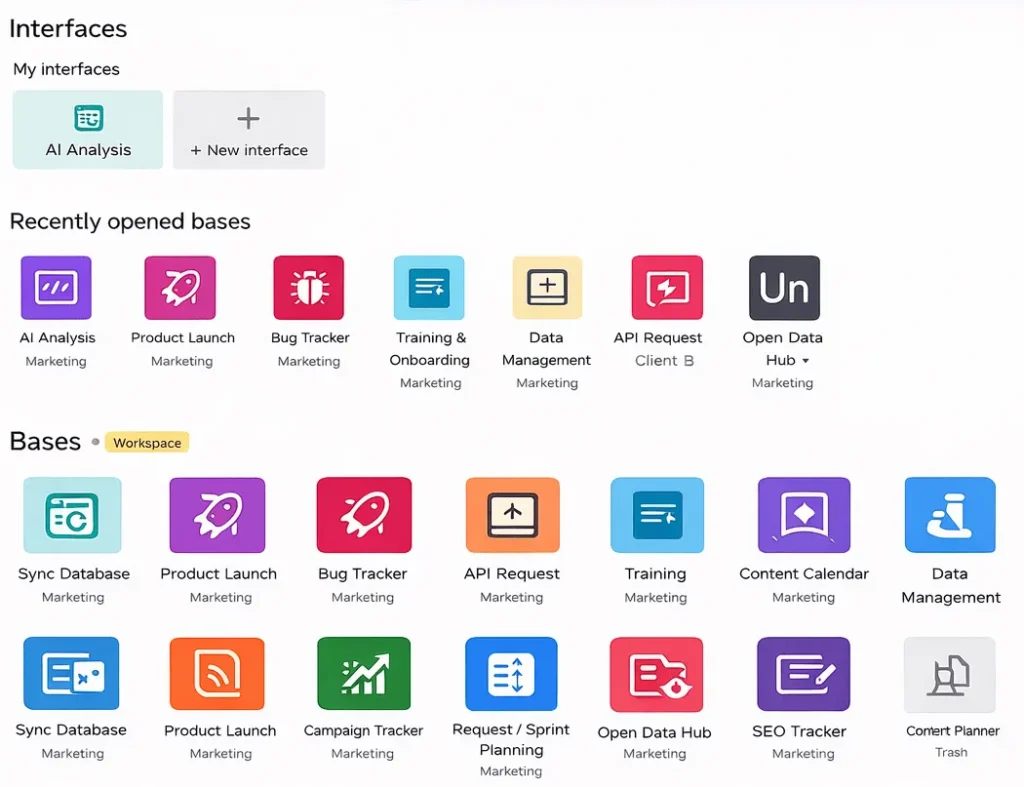
Airtable combines database management with app building through its Omni AI builder. Create custom business applications by describing what you need in natural language. Excellent for teams managing structured data who need custom interfaces.
Lindy.ai: Your First AI Employee
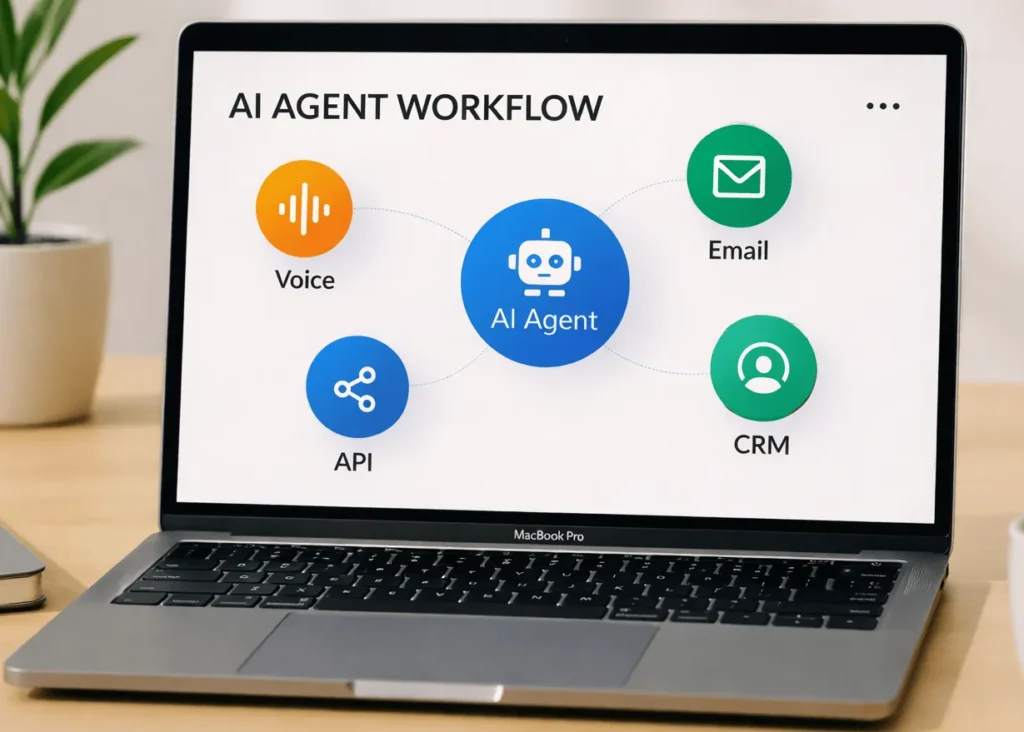
Lindy specializes in AI agents for business workflows. Build assistants that handle scheduling, email management, lead qualification, and customer support with multi-agent collaboration. Best for automating knowledge work tasks.
Base44: Build Apps with AI in Minutes
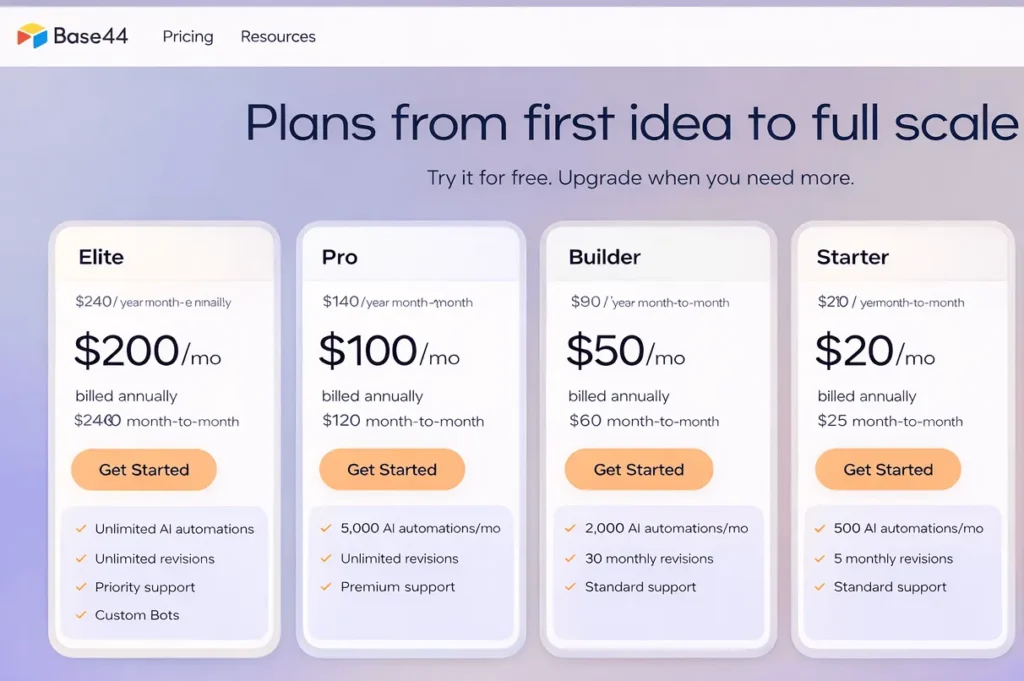
Base44 uses conversational AI to generate full applications from descriptions. Simply explain your idea, and it creates working apps with built-in hosting and integrations. Ideal for rapid prototyping and founders who want to test ideas quickly.
Each platform offers free tiers or trials, letting you explore capabilities before committing. The choice depends on your specific use case, whether that’s building a standalone app, automating workflows between existing tools, or creating intelligent agents for specific tasks.
No-code AI Comes with Limitations.
While no-code AI platforms have become remarkably powerful, they do have boundaries worth understanding.
Deep customization represents the most common limitation. If you need precise control over algorithm parameters or novel neural network architectures, no-code tools constrain your options. They optimize for common use cases rather than specialized approaches requiring custom code.
Performance at scale can be a consideration for applications requiring real-time processing of massive data streams. Most platforms handle thousands of users comfortably, but ultra-low latency requirements might need custom infrastructure.
Complex business logic occasionally exceeds what visual builders express clearly. When applications require dozens of nested conditional rules, the visual representation can become harder to maintain than equivalent code.
The solution often isn’t abandoning no-code but adopting hybrid approaches. Many platforms allow adding custom code for specific functions while maintaining the visual structure. Alternatively, use no-code for prototyping and validation, then migrate to custom development when you need greater control.
Getting Started with No-Code AI Today
The gap between understanding no-code AI and actually building something comes down to taking the first step.
Begin with a genuine problem in your daily work that’s small enough to tackle in a few hours. Maybe it’s categorizing emails, generating weekly reports, or creating social media content. The best first projects deliver immediate value without requiring perfection.
Choose a platform matching your problem type. Automation between existing apps works best with Zapier or Make.com. Building standalone applications? Try Glide or Bubble. Intelligent agents need platforms like Lindy or CustomGPT. Most offer generous free tiers and beginner tutorials.
Test early with real data. The feedback loop between building, testing, and refining teaches more than any planning. Start simple, then expand gradually as you gain confidence.
The communities around these platforms offer valuable support. Most have active forums or Discord servers where experienced builders share templates, answer questions, and troubleshoot issues. When stuck, someone has likely faced the same challenge.
The No-Code AI is Finally Here
No-code AI platforms represent more than convenient tools. They’re fundamentally changing who gets to build with artificial intelligence and what kinds of applications get created.
Small businesses now implement AI capabilities previously accessible only to funded startups. A local bakery can build demand forecasting systems. An independent consultant can create client onboarding chatbots. These aren’t theoretical possibilities but actual applications being built today.
The democratization extends beyond business. Educators create personalized learning tools. Researchers prototype data analysis workflows. Community organizers build tools to help their causes. This accessibility means more diverse problems get solved, including niche challenges that matter to specific communities.
Looking ahead, integration with increasingly capable language models means applications will handle more complex reasoning. Improved automation will reduce manual configuration, with platforms inferring optimal approaches from simple descriptions. The line between no-code and traditional development continues to blur, with hybrid approaches becoming more seamless.
Specialized industry solutions will emerge, with platforms optimized for healthcare, finance, or manufacturing. These will include pre-built models, compliance frameworks, and industry-specific workflows.
The broader trend points toward a future where building AI applications becomes as commonplace as creating presentations. The technical barrier continues falling while capabilities keep expanding. What you can build without code today would have seemed impossible just a few years ago.
For anyone considering whether to explore no-code AI, the question isn’t whether these tools will become important in your industry. They already are. The relevant question is whether you’ll start building with them now or wait until competitors gain the advantages these capabilities provide. The barrier to entry has never been lower, and the potential return on time invested keeps growing.