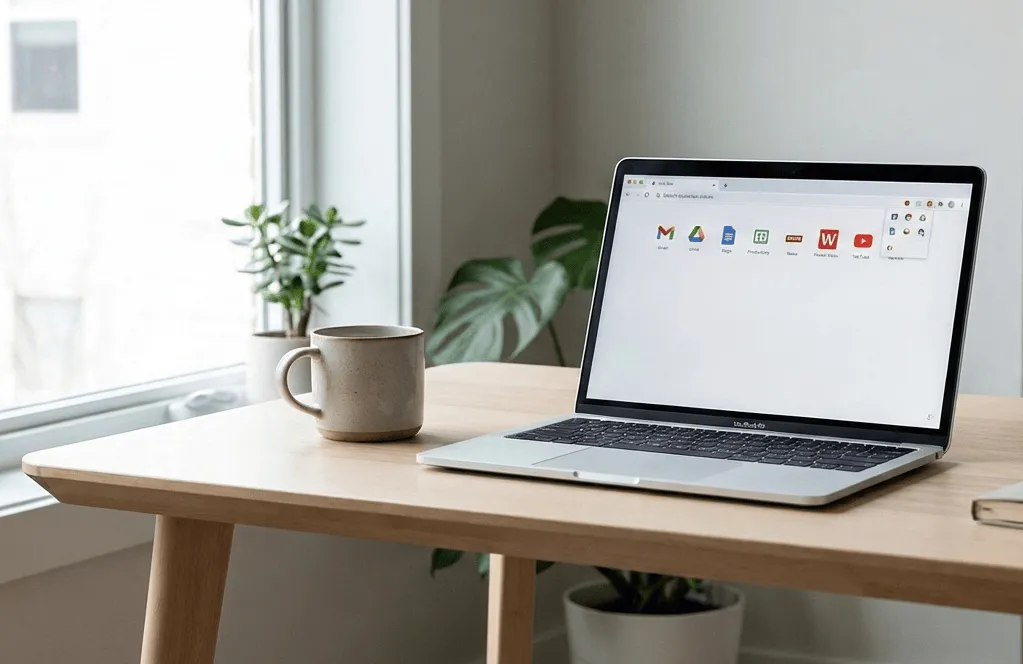
Work no longer happens across dozens of disconnected apps. It happens inside Chrome. Research, communication, writing, planning, and execution all live in browser tabs, which is why the best Chrome extensions in 2026 are no longer optional add-ons. They have become part of the daily operating system professionals rely on to stay productive.
Across Reddit threads, Discord communities, and productivity forums, the same Chrome extensions keep resurfacing in conversations about focus, efficiency, and modern workflows. These tools are not flashy or experimental. They are practical, proven, and quietly embedded in how people actually work.
Here are the Chrome extensions professionals consistently rely on in 2026.
Tango, Teams Quietly Adopted
Tango feels like the kind of tool that should have existed years ago. As you complete a task, it automatically turns your actions into a clean, step-by-step guide. There is no recording, no writing, and no manual screenshots.
This makes it ideal for onboarding, standard operating procedures, client handovers, and distributed teams. Tango is not a tutorial tool in the traditional sense. It is AI removing the repetitive documentation work people never wanted to do in the first place, which explains why it keeps appearing in discussions about the best Chrome extensions for work.
Grammarly, Most Trusted Writing Companion
Grammarly in 2026 is less about fixing grammar and more about shaping communication. It understands tone, clarity, and context across emails, documents, and chat tools. Slack messages sound intentional. Emails feel composed instead of rushed. Documents read cleaner without extra effort.
Professionals use Grammarly everywhere they write, often without thinking about it. In a work environment where communication never stops, clarity has become a competitive advantage, and Grammarly remains one of the most relied-on Chrome productivity extensions.
LastPass, Removes Password Stress
Modern work requires juggling dozens of tools, and each one adds another login. LastPass quietly removes that friction. It stores credentials securely, fills them instantly, and reduces the mental overhead of managing access.
It is the kind of tool you forget exists until you try working without it. That quiet reliability is why it continues to be a staple among Chrome extensions that professionals depend on.
Notion Web Clipper, Organizes Your Thinking
For anyone who uses Notion as a workspace, the Web Clipper is essential. With a single click, articles, quotes, screenshots, and references are saved directly into your system.
Writers, researchers, analysts, and founders use it to build structured knowledge over time. Instead of bookmarks that disappear into folders, information becomes searchable and actionable. This extension has quietly shaped how many professionals organize their thinking.
Mercury Reader, The Internet Became Too Loud
The modern web is cluttered with pop-ups, autoplay videos, and distractions. Mercury Reader strips everything back to text and whitespace.
For professionals who read as part of their job, this feels like a mental reset. It restores focus and reduces cognitive load, which is why it remains one of the simplest yet most appreciated Chrome extensions for productivity.
Loom, Language of Remote Work
Remote teams no longer explain complex ideas through long messages. They record them. Loom makes screen recording fast, lightweight, and easy to share.
Bug reports, feedback, walkthroughs, and demos become clearer when spoken and shown rather than typed. Loom has become a default tool in async workflows and a consistent presence in discussions about Chrome extensions professionals rely on.
ColorZilla, Real Design impact
Designers rely on ColorZilla for a simple reason. It works. Hover over any color on a webpage, click, and it is captured precisely.
It is small, fast, and surprisingly satisfying to use. For designers and developers, it is a quiet essential that removes unnecessary friction from daily work.
Zapier Chrome, Micro-automations that Save Hours
Zapier is already synonymous with automation, but its Chrome extension makes it easier to trigger workflows without breaking focus. Tasks can be created, data synced, and processes triggered directly from the browser.
For professionals looking to reduce repetitive work, Zapier consistently appears near the top of lists discussing which Chrome extensions improve productivity.
Forest, No Distraction Anymore
Forest approaches focus in a deceptively simple way. Stay focused, and your tree grows. Switch tabs and get distracted, and it withers.
It should not work as well as it does, but it does. Professionals continue to use it because it creates a subtle sense of accountability in an environment full of distractions.
uBlock Origin, Block Ads
uBlock Origin is more than an ad blocker. It is an attention-saving layer. Pages load faster. Visual clutter disappears. Mental noise drops.
If someone installs only one extension from this list, it should be this one. It appears in nearly every roundup of the best Chrome extensions in 2026 for a reason.
Why These Chrome Extensions Should be Useful?
These tools address the realities of modern work. Too many platforms. Too many logins. Constant distraction. Limited time for deep focus.
The browser has become the workspace, and these extensions make that workspace usable. The best Chrome extensions in 2026 are not flashy. They stabilize workflows, remove friction, and quietly improve how professionals think and create.
If your work happens online, these tools will not just help you work better. They will change how you work altogether.